Collection banner
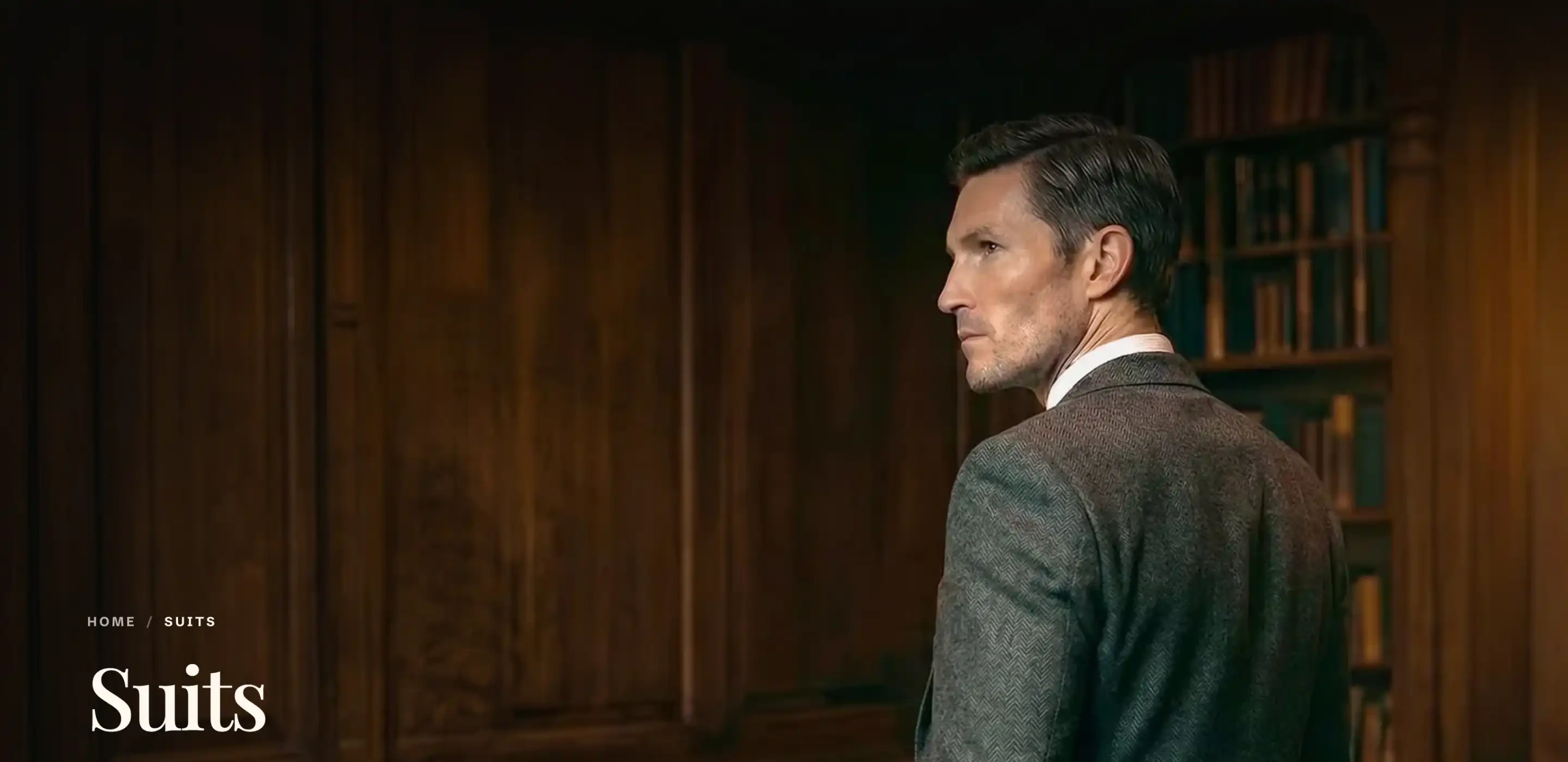
The Collection banner is the section at the top of a collection page. It shows the collection's image, title, and description. Reign adds this section to the collection template for you, so you do not add it from Add section. You edit it inside the collection template.
The banner's title and description come from the collection itself, not from section settings, so this section has no blocks. To change the wording, edit the collection in Products > Collections. The banner image comes from that collection's Image field on the same page.
Find and open the section
- In the Shopify admin, go to Online Store > Themes.
- On your Reign theme, click Customize.
- In the top bar, open the template picker and choose a collection template.
- In the section list, click Collection banner to open its settings.
If the banner looks empty or shows no image, the collection you are previewing has no image set. Pick a collection with an image, or add one in Products > Collections.
Settings
These two controls sit at the top of the panel.
- Show breadcrumbs: Turns the breadcrumb trail (Home / collection name) above the title on or off.
- Image focus: Sets which part of the collection image stays in view as the banner crops to different screen sizes. The value runs from 0 to 100 percent across the image. Raise it to keep the right side in frame, lower it to keep the left. This applies to every collection that uses this template, so choose a value that suits your images as a group.
Size
- Desktop height: The banner height on desktop, as a share of the screen height. Runs from 40 to 100 percent.
- Mobile height: The banner height on mobile, as a share of the screen height. Runs from 40 to 100 percent.
This section also uses the standard Color and Margin controls. See Common section settings.
Tips
- The banner shares one set of settings across every collection on this template. Image focus, height, and color apply the same way to each collection page. Only the title, description, and image change per collection, and those come from the collection record.
- Title and description are not editor fields. To change the banner text for a collection, edit that collection's title or description in Products > Collections.
- If text is hard to read over a light image, keep Use dark header theme over this section on (in the Color group) and pick a Color scheme that gives the title enough contrast.