Add a size chart
The theme shows a size chart as a pop-up that a shopper opens from a link next to the size options. You build it from blocks the theme already has, so there is nothing to install.
Add the size guide link
The link that opens the pop-up lives on the Variant picker block, next to the option you choose (usually Size):
- In the theme editor, open your product template and select the Variant picker block.
- Add an Inline pop-up block inside it, and set its Link label to something like "Size guide".
- Set the picker's Variant option name to the option the link sits beside, such as Size.
See Variant pickers and swatches for more on the pop-up link.
Put the chart in the pop-up
Open the Inline pop-up block and add your content inside it. A heading and a short intro line are optional. For the chart itself, you have two ways:
- A page with your table. Create a page under Online Store > Pages and put your measurements table (or a chart image) on it. Then add a Page block inside the pop-up and point it at that page. This keeps the numbers as real text.
- An image. Save your chart as a graphic and add an Image block inside the pop-up. Simplest, but scale it so the numbers stay readable on a phone.
Add a cm / inch toggle
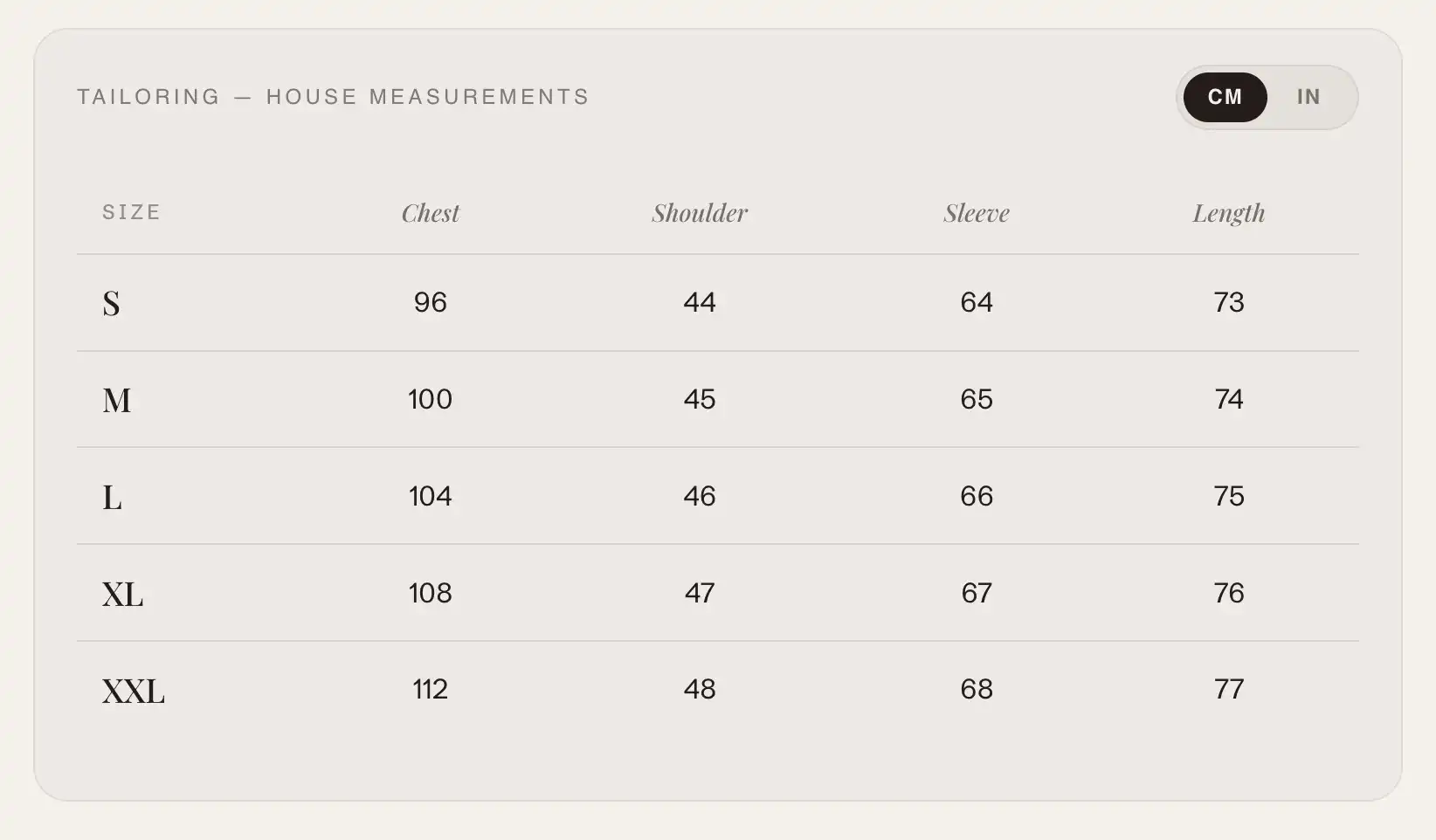
To let shoppers switch units, add a Tabs block inside the pop-up with two tabs, one named CM and one named IN. Put your centimeter table in the first tab and your inch table in the second (each as its own Page or Image block). The tab bar becomes the unit toggle.
Tips
- The pop-up sits on the product template, so it shows on every product that uses that template. If only some products need a chart (for example apparel but not accessories), give those products their own template.
- Keep one page per unit and per garment type. A shirt chart and a trouser chart are different pages, pointed at from each product's own template.