The Freedom theme offers a variety of powerful sections to create impactful first impressions. Whether you need a rotating slideshow, a cinematic video, or a dual-column layout, these sections are designed to capture attention immediately.
Hero Slideshow
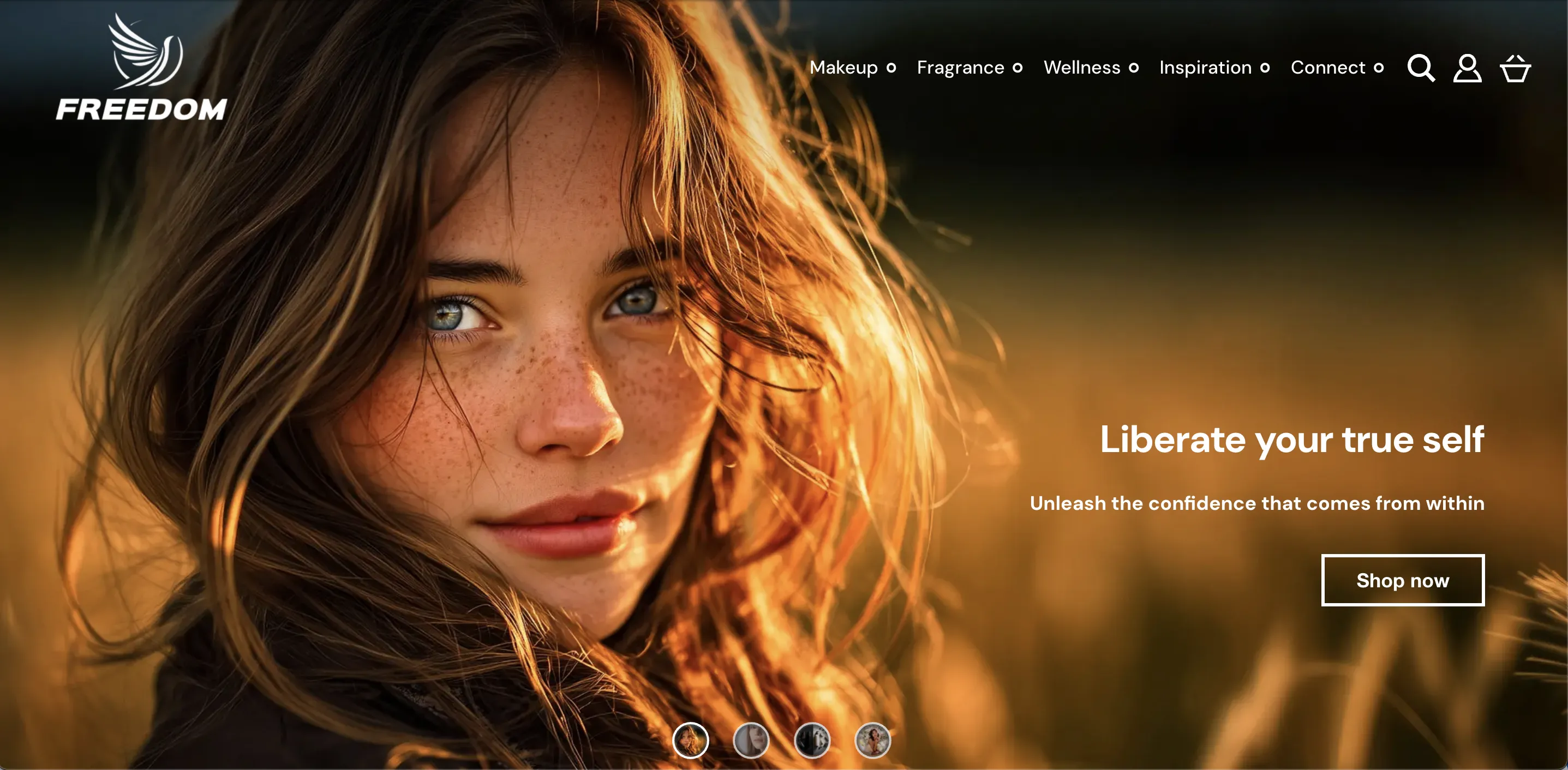
The Hero Slideshow is the classic choice for the top of your homepage. It supports multiple slides, each with its own heading, subheading, and call-to-action buttons.
Header Overlay Mode

For a modern, immersive look, you can blend your header into the slideshow.
-
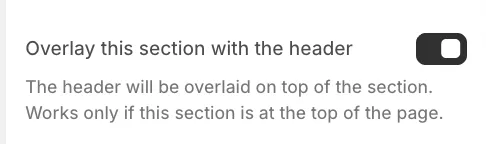
Overlay this section with the header: When enabled, the header background becomes transparent, and the slideshow content starts at the very top of the page, sitting behind the logo, menu, and top bar.
-
Requirement: This setting only works if the Hero Slideshow is the first section on the page.
Navigation & Interaction
-
Slide Indicators: You can toggle the visibility of the navigation dots and choose their alignment (e.g., Bottom Center, Center Right) in the section settings.

-
Thumbnails: Enable Show thumbnails to display a small preview of the next slide's image, encouraging users to click through.

-
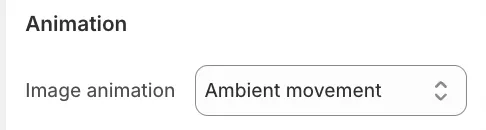
Image Animation: To add motion to your visuals, navigate to the individual Hero slide block settings. Here you can enable Ambient movement (slow panning) or Zoom in to keep the visuals dynamic.
Banners
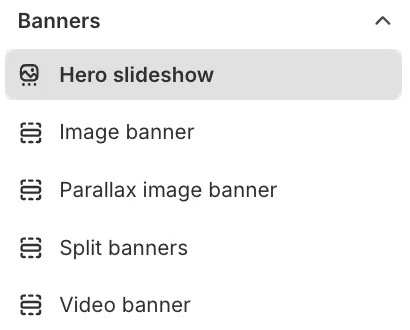
Freedom includes versatile banner layouts like Image Banner, Video Banner, and Split Banners.
While these appear as distinct options, they are all configurations of the same powerful Standard Section. This means they share the same flexibility—you can easily transform an Image Banner into a Video Banner simply by changing the background settings.
Common Configuration
Regardless of the banner type, you have control over the fundamental layout:
-
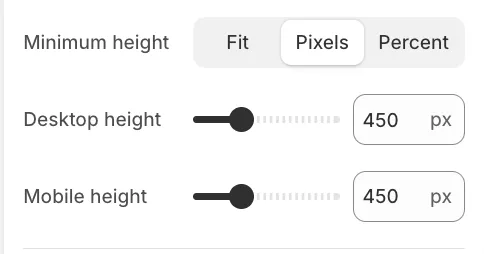
Height: You can set the section height to Fit (adapts to the content/image aspect ratio), Pixels (fixed height), or Percent (relative to the screen height).
-
Background overlay: Use the Background color setting to apply a Gradient or Solid color over the background. This ensures your text remains readable even against bright or complex images.
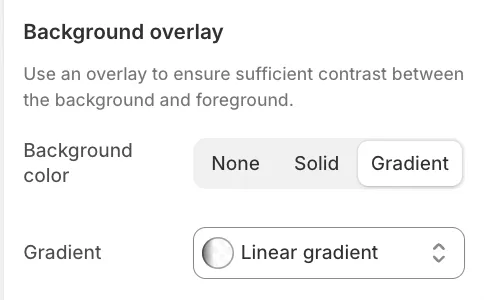
Image Banner
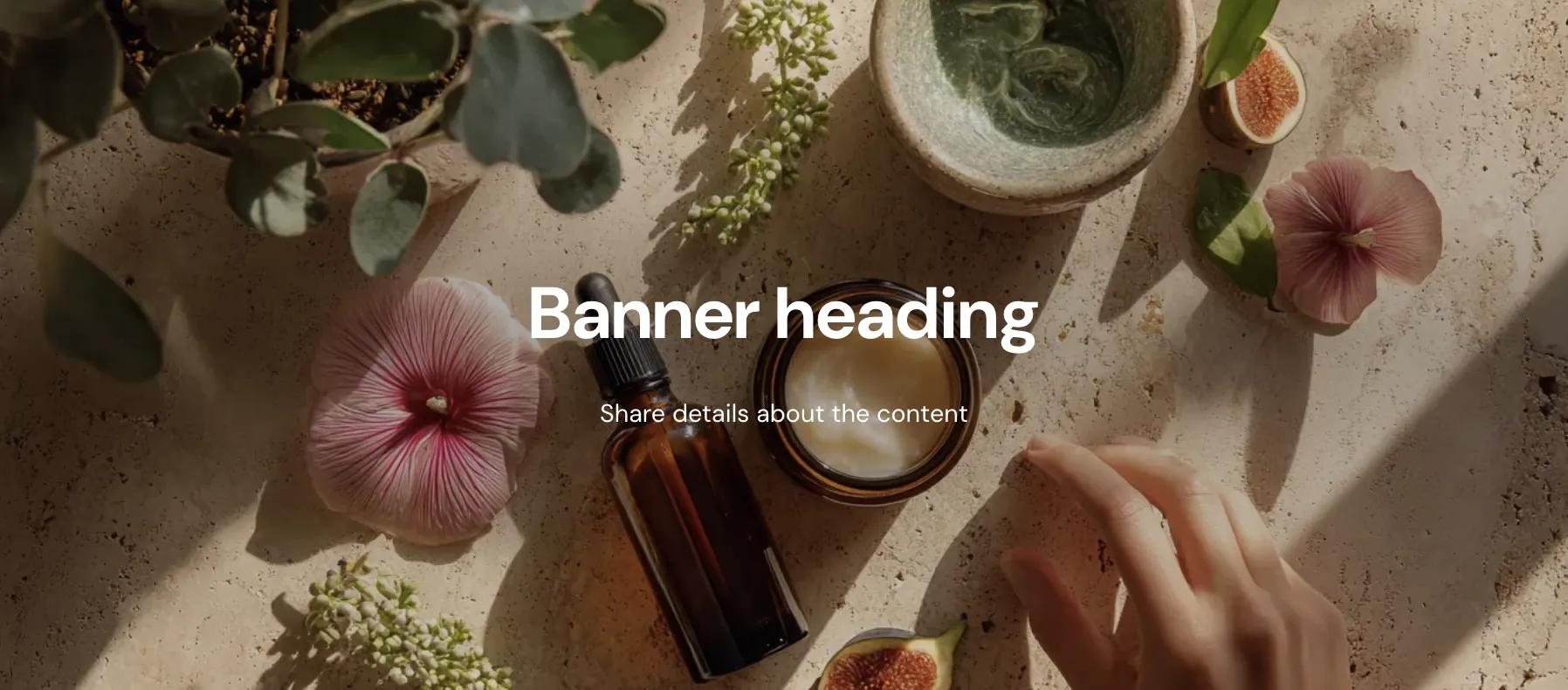
A standard, high-impact section with a static image background and a text overlay.
Video Banner
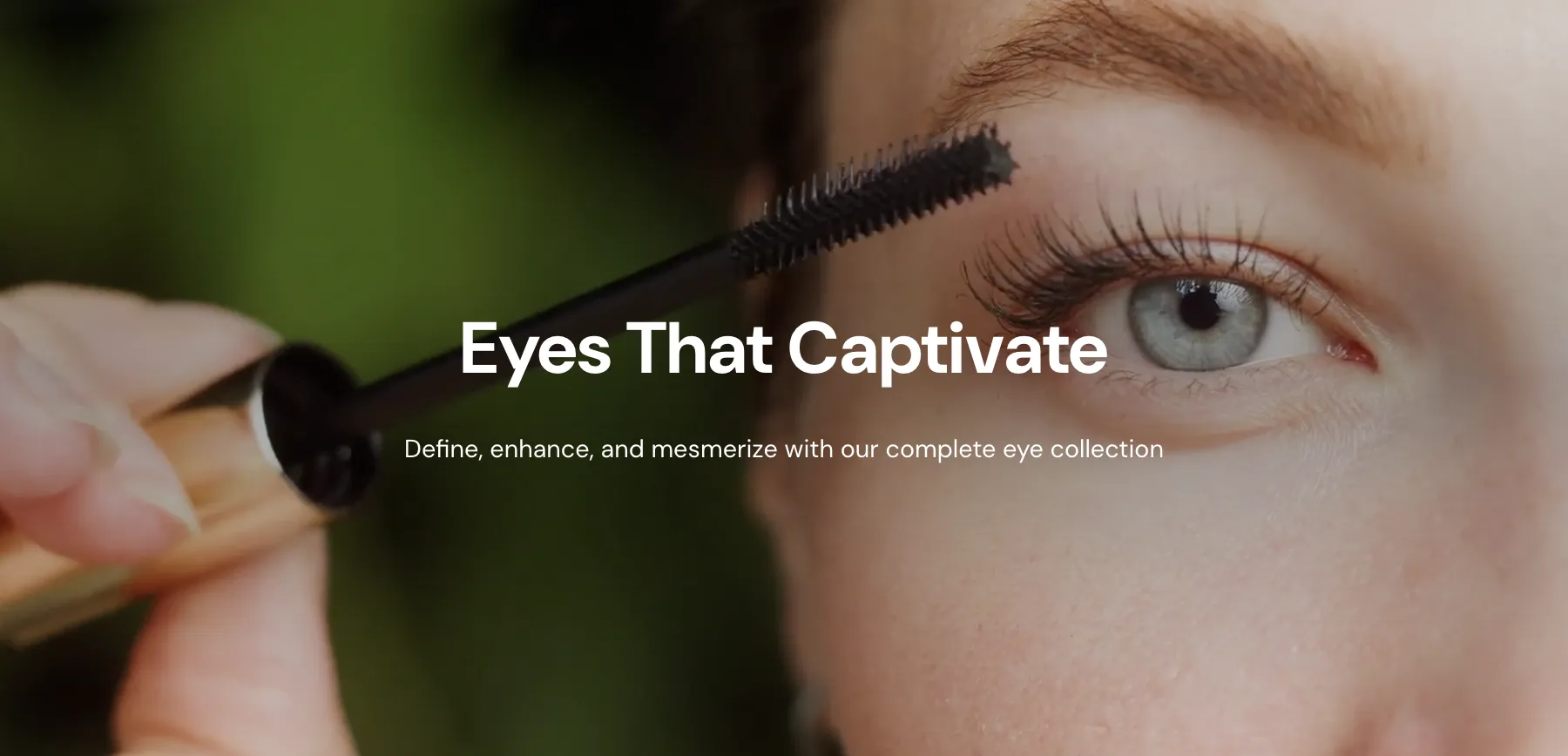
Ideal for storytelling. It supports uploaded videos (hosted by Shopify) or external URLs. Videos autoplay and loop by default, with controls hidden.
Parallax Image Banner

The Parallax effect creates a sense of depth by moving the background image at a different speed than the foreground content as the user scrolls. To activate this, simply check Add parallax effect to background image in the section settings.
Split Banners
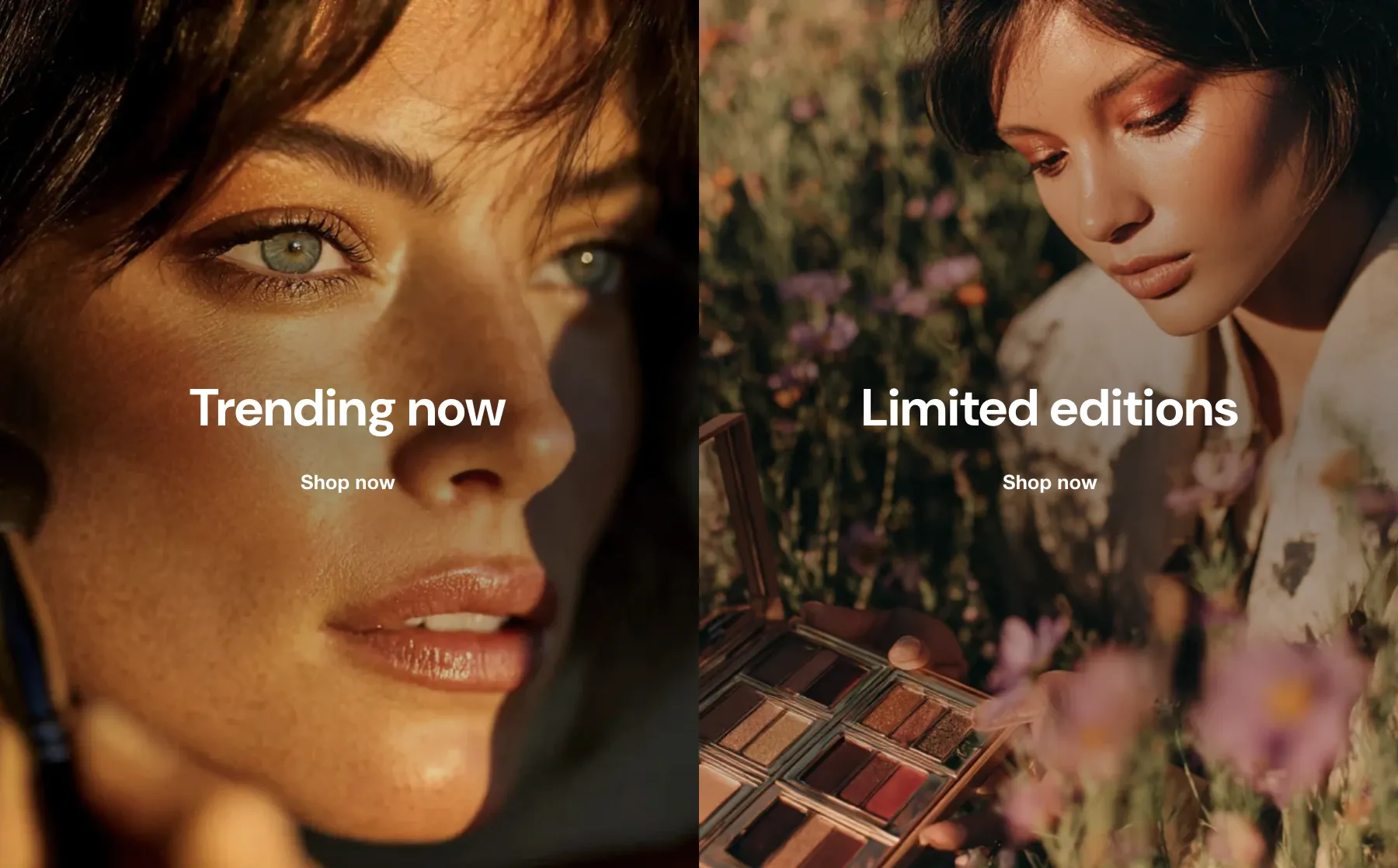
Perfect for guiding customers to two different paths simultaneously (e.g., "Shop Mens" vs. "Shop Womens").
-
Structure: This layout utilizes two Group blocks arranged side-by-side on desktop.
-
Mobile Layout: On smaller screens, the groups stack vertically, ensuring each image gets full attention.
-
Customization: Each group is independent, allowing you to use different images, text alignments, and button styles for each half.