Freedom allows you to build comprehensive "Support" or "Contact" pages using specialized presets of the standard Section. This ensures your utility pages share the same design flexibility (backgrounds, spacing, gradients).
FAQ
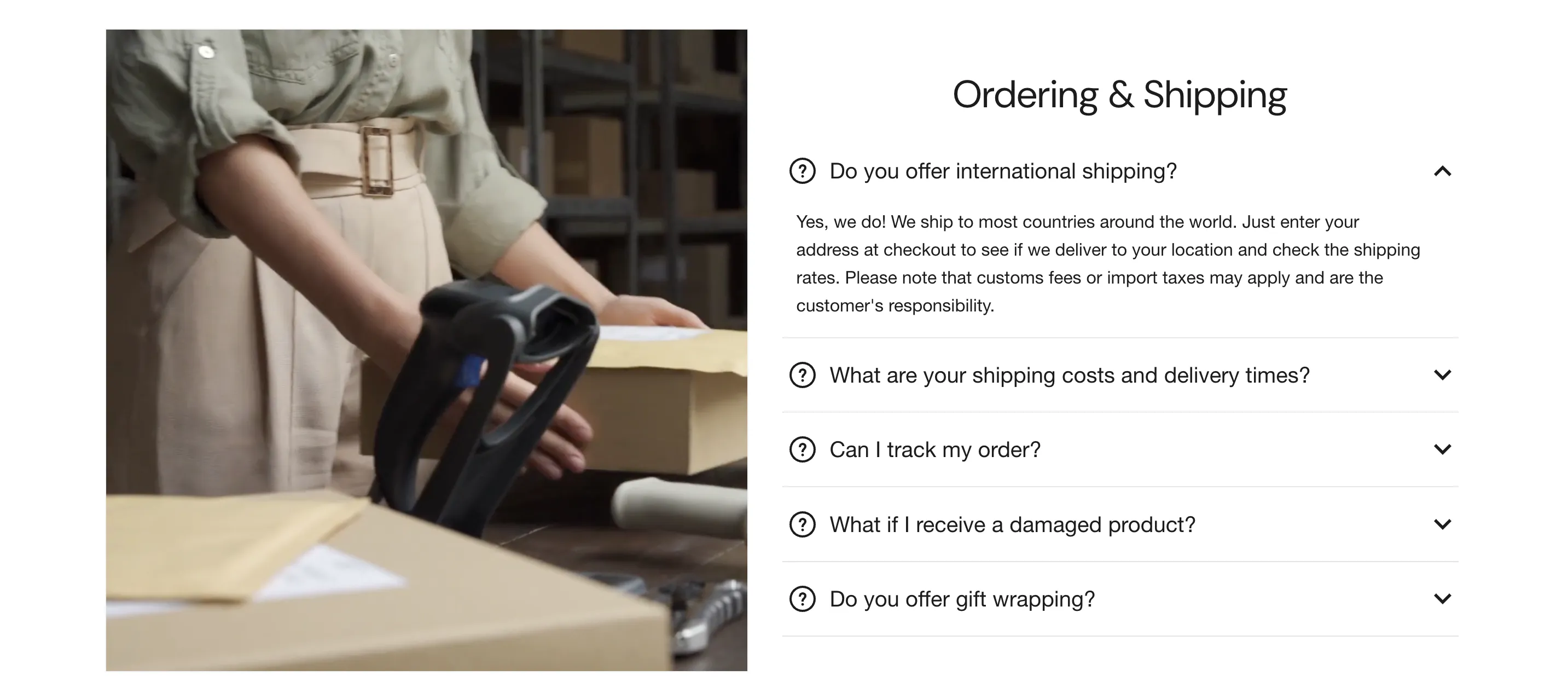
Organize common inquiries in a clean, expandable format using one of three distinct presets: FAQ, FAQ with image, or FAQ with video.
Configuration
This section uses Collapsible row blocks to hold your content.
-
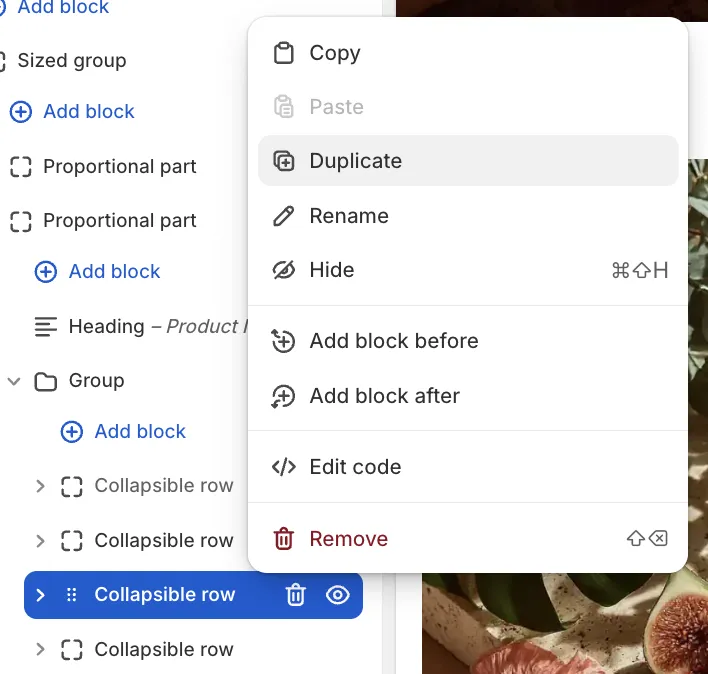
Adding Questions: The preset comes with pre-styled rows. To add a new question while maintaining the existing font sizes and settings, we recommend clicking on an existing block and selecting Duplicate, rather than adding a raw block from scratch.
-
Open by default: Generally, answers are hidden until clicked to save space. However, you can check Open by default within a block setting to have specific questions (like the most important one) expanded immediately when the page loads.
Contact Form
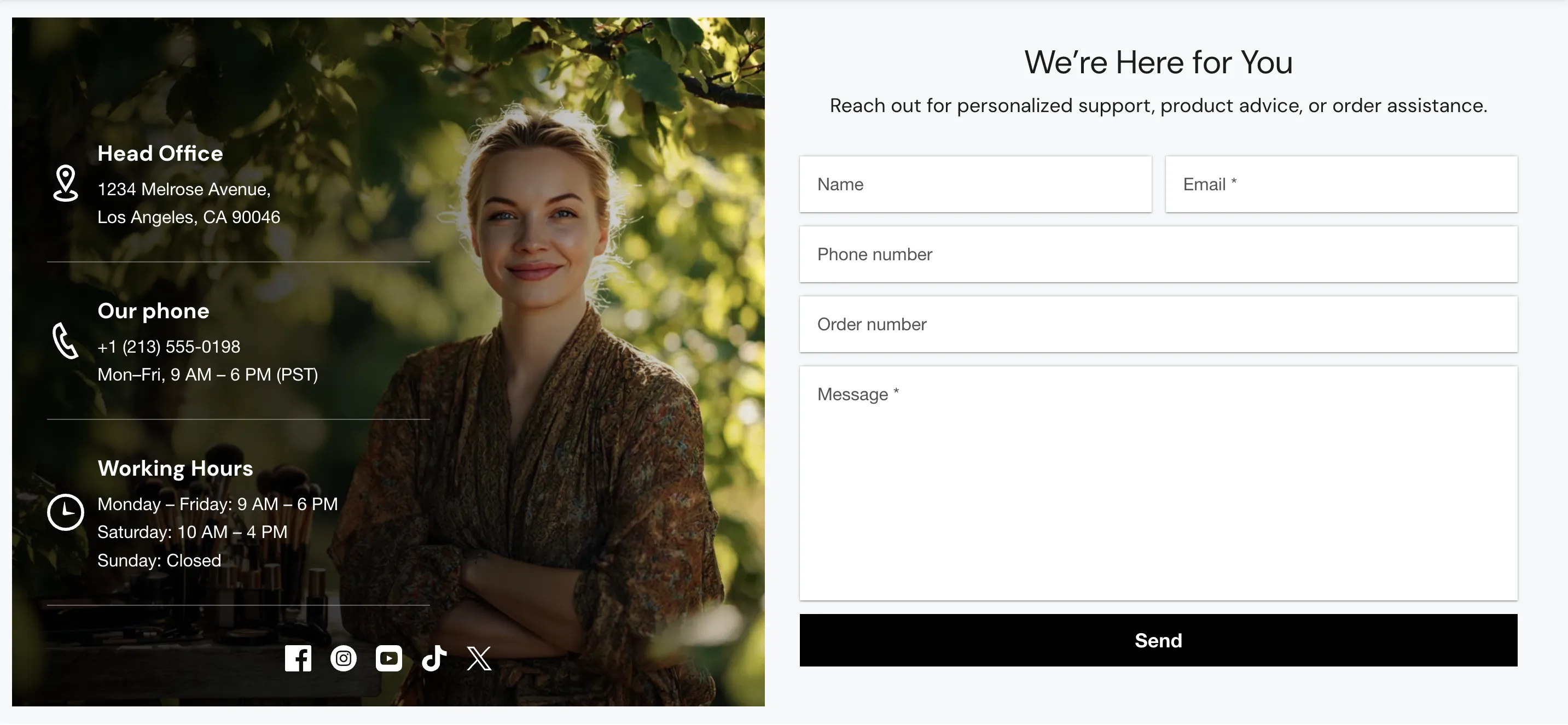
The Contact Form allows customers to send messages directly to the customer email address configured in your Shopify Admin.
Like the FAQ, this is a preset of the standard section. You can choose between a simple Contact form or a Contact form with banner.
Custom Fields
In the Contact form block settings, you can add optional inputs:
-
Show phone number field: Adds a specific field for phone numbers.
-
Show order number field: Adds a text input for customers to reference their purchase ID.
Layout
Forms are easier to use when they aren't stretched across the entire screen. By default, this preset has Limit width enabled (set to a comfortable reading width like 900px) to keep the form centered and professional.