The Product Information section is built using modular blocks. While standard blocks like Title and Price are straightforward, some blocks contain specific logic and advanced configuration options.
Inventory Status
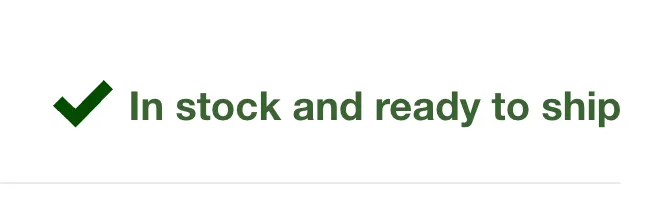
This block displays stock availability to create urgency or reassure customers.
Prerequisites:
For this block to function, you must track inventory for the product in your Shopify Admin (select "Track quantity").
Configuration:
-
Low inventory threshold: Set a number (e.g., 10). If stock falls below this number, the "Low stock" message and color will be triggered. If stock is above this number, the "In stock" message is shown.

-
Visual Style: You can choose between an Icon, a Pulsating dot, or None for the status indicator.
-
Colors: You can define distinct colors for "In stock", "Low stock", and "Out of stock" states.
Collapsible Row
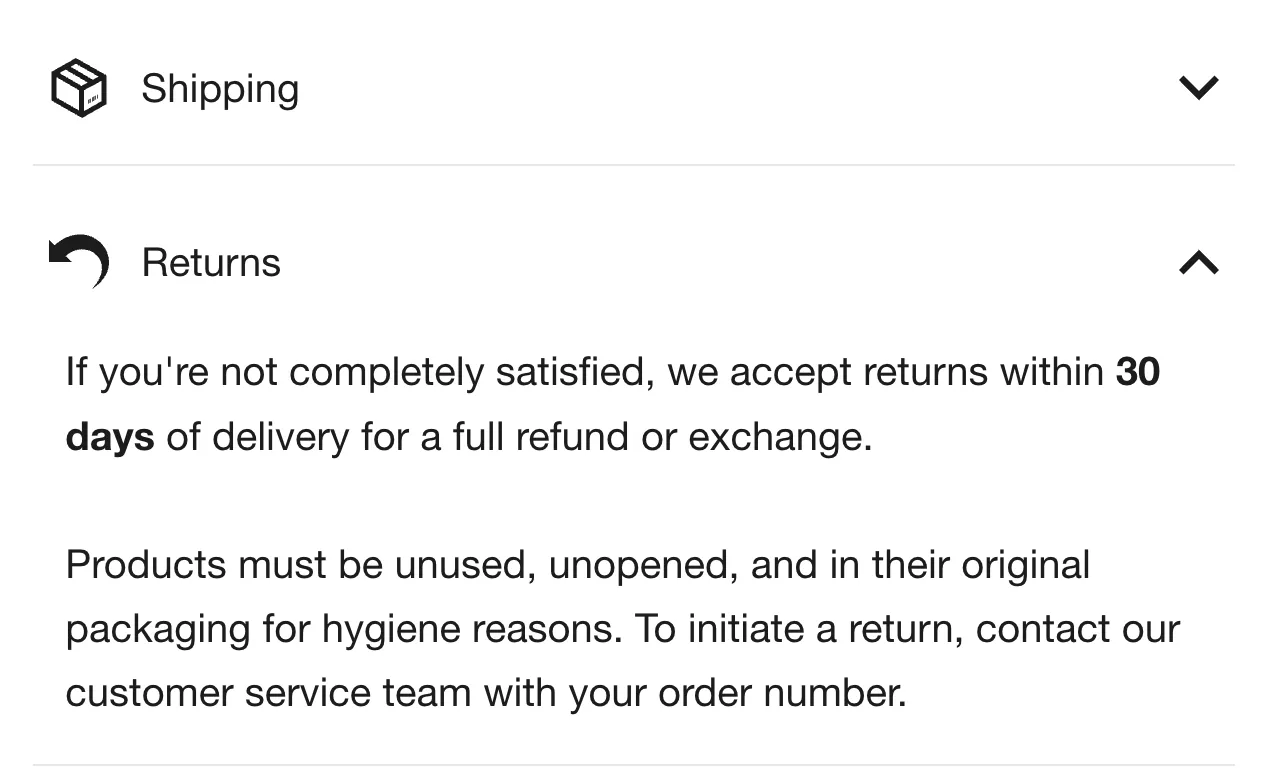
This block is excellent for organizing secondary information like "Shipping & Returns," "Size Guide," or "Materials" without cluttering the page. Content is hidden inside an accordion that expands when clicked.
-
Icon: Choose from a library of built-in icons (e.g., ruler, truck, shirt) to represent the content.
-
Heading: The title of the row (e.g., "Care Instructions").
-
Content: You can use any block (most commonly the Rich Text block) to add your information.
-
Open by default: Check this if you want the row to be expanded when the page loads.
Pickup Availability
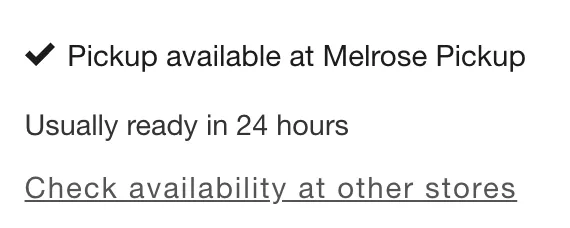
This block allows customers to check if a product is available for local pickup at your physical retail locations.
How it works:
The block automatically checks the visitor's location against your store locations. It also allows the visitor to check availability at other stores in a drawer.
Requirements:
-
You must have Local Pickup enabled for your locations in Shopify Admin > Settings > Locations.
-
The product must be stocked at that location.
Complementary Products
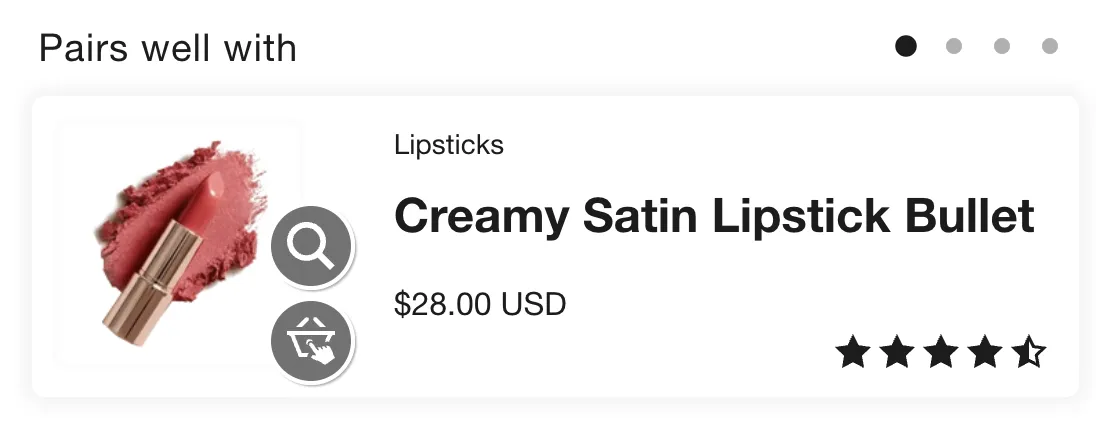
This block displays a "Pairs well with" list directly inside the product details area, encouraging cross-selling.
Setup:
The products shown here are recommended via the free Shopify Search & Discovery app. You must install the app and manually assign complementary products or allow Shopify's algorithm to recommend them.
-
Heading: Customize the title (default: "Pairs well with").
-
Maximum products: Limit how many recommendations are displayed (e.g., 3).